
Generate Dynamic Oceans - Easy Wake Addon Tutorial
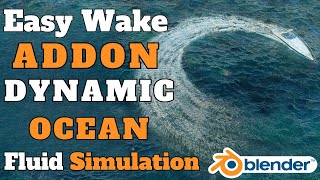
https://blendermarket.com/products/easy-wake Generate Dynamic Oceans - Easy Wake Addon Tutorial Firstly, Click Add Dynamic Ocean Button on the Panel. It will create a good looking ocean with the Ocean Ground. Then, Select your ship. You can Click Draw Ship Path Button to Draw a Curve to Animate your ship. After Drawing the Curve, Just Play the animation and It will start Simulating. You can play with the simulation and ocean parameters to get the desired look. The Ground of the Ocean is only visible throughout the Ocean Surface. If you are not happy with the path, You can click Draw Ship Path And Define new Path any time.
Suggested videos
How to make next-level procedural materials in Blender
Robin Squares · 27:48
Easy Wake Blender Tutorial | Generate Next-Level Dynamic Oceans in Blender
RA Animation · 4:23

Blender Tutorial - Procedural Chainlink Fence (Geometry Nodes)
Blender Made Easy · 22:04
Ship Wake : Blender & FlipFluids
ArchiCraig CAD · 0:21

Blender 5.0 Procedural Patterns (Shader Nodes)
Default Cube · 1:13
Blender Animation || Shipwake | Flip Fluids addon | Ocean Modifier
Blender Cinematic (fxartist_b3d) · 0:51

Procedural Dark Scratched Metal Material (Blender Tutorial)
Ryan King Art · 25:31
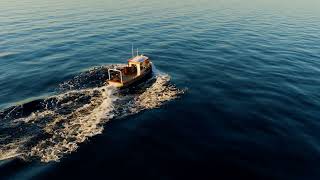
blender Flip Fluids boat wake with infinite ocean
Ballistic Simulations · 0:10

Curious about Procedural Animation? Learn with Geometry Nodes in Blender
Johnny Matthews · 28:18
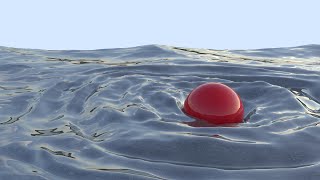
Dynamic Paint + Ocean. Water collision without simulation in Blender.
Blender Trainer Stanislav · 1:08

Master Procedural Materials In Blender
Extra 3d · 11:55
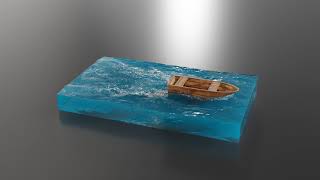
flip fluids with ocean modifier
Ballistic Simulations · 0:11