
How to connect your Hear Back OCTO system - a demonstration
Setting up your Hear Back OCTO personal headphone monitoring system is straightforward. Here we walk through connecting to a DAW through an interface and then hooking up each musician's personal headphone control mixer. The Hear Back OCTO is fantastic for small studios, live performances, and houses of worship. When each performer can control their own headphone or in-ear mix, gigs and sessions go more smoothly for everyone. #proaudio #recordingstudio #audiogear #recordingengineer #audioengineer #soundengineer #music #musician #headphones #headphonemonitor #hearback #studiogear 00:00 Intro - HB OCTO 00:30 Connecting HB OCTO Hub - analog 01:25 Configuring DAW stems/channels to Hub 01:55 HB OCTO Mixer stereo mapping 02:25 Connecting OCTO Mixers in studio setup 03:00 Connecting HB OCTO Hub - ADAT
Suggested videos
Making personal monitoring simple with the Hear Back OCTO
Hear Technologies · 28:40
How to connect your Hear Back PRO system - a demonstration
Hear Technologies · 6:02
InfoComm 2018: Hear Technologies Intros Hear Back OCTO Eight-Channel Personal Monitor Mixer System
rAVe [PUBS] · 1:07
Welcome to Hear Technologies!
Hear Technologies · 8:19
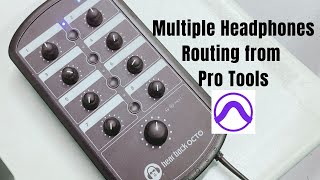
Multiple Headphones Routing in ProTools, using Hear Back Octo device
Sound and Melodies · 7:38
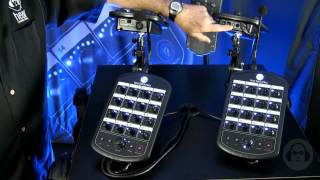
Hear Back PRO - Complete System Overview
Hear Technologies · 19:14
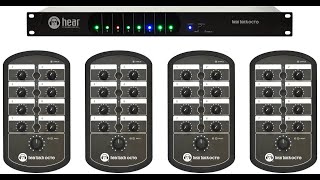
Hear Technologies Octo
Croma Online Ltda. · 1:24
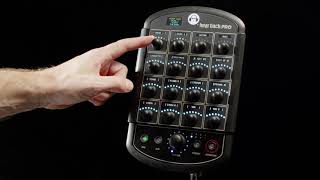
Meet the new PRO Digital Overlay
Hear Technologies · 0:37
Connection & Configuration - Clarett⁺ OctoPre
FocusriteHelp · 2:56
Hear Technologies Hear Back System Gives Musicians "More Me's"
gearwire · 4:22

How to Pair & Connect PlayStation Pulse Elite Headset to PS5
WorldofTech · 1:55

Sylvia Massy Shows Us Her New Hear Back PRO Headphone System and Says "Buy My Furman!"
Sylvia Massy · 4:35