
iPhone 16 3D Modeling in Maya – 3D Product Design Tutorial @Pixench
In this Maya tutorial, I’ll show you step-by-step how to create a realistic iPhone 16 3D model from scratch. Perfect for 3D artists, product designers, and Maya beginners, 🔹 Timestamps: 00:00 - Intro & Reference Setup 00:22 - Blocking Out iPhone 16 Shape 01:08 - Creating Buttons, SIM Slot, Charging Point & Speaker Grills 05:22 - Modeling the Camera, Lens Details & Flash 10:19 - What’s Next? Texturing & Rendering in the Next Video! 📌 Download Reference image: https://drive.google.com/file/d/1-Sw2Td4AjtNTF_YaIJulemKweLcVghY4/view?usp=sharing 🎥 Watch Next: 3D Character Design in Maya: https://youtu.be/cFUKtyYRZSc 3D Modeling Tutorial - From Scratch in Maya to Realism in ZBrush: https://youtu.be/k8Fi5nRGgQI The Secrets of Sci-Fi VFX: https://youtu.be/IhItxF71ukE 💡 About This Tutorial: Learn 3D product modeling in Maya with this detailed guide. Whether you're into product visualization, CGI, or industrial design, this tutorial covers essential hard surface modeling techniques for creating the iPhone 16 in Autodesk Maya. 🔔 Subscribe for more 3D modeling & design tutorials: @pixench My social media: Instagram: https://www.instagram.com/pixench Facebook: https://www.facebook.com/Pixench #3DModeling #AutodeskMaya #iPhone16 #ProductDesign #HardSurfaceModeling
Suggested videos

3D Product Modeling Secrets - Maya tutorial @Pixench
Pixench · 8:22
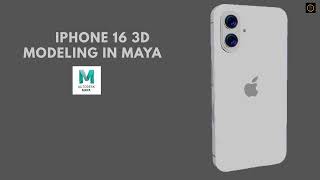
Realistic iPhone 16 3D Modeling in Maya | Complete Process
Creative 3D Maker. · 4:12

How To Craete a 3D Product Animation - Maya Tutorial @Pixench
Pixench · 9:36

Live 3D Modeling in Maya: Creating the Apple iPhone 16 from Scratch!
Shashank Keshavamurthy · 1:36:57
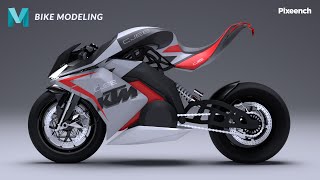
How to 3D Model a Realistic Bike - Maya tutorial (Timelapse) @Pixench
Pixench · 21:09
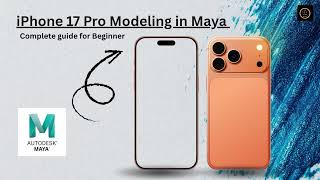
iPhone Modeling in Maya
Creative 3D Maker. · 30:48
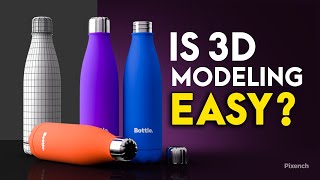
Water Bottle 3D Product Modeling in Maya | Beginner Tutorial @Pixench
Pixench · 6:49
How to Model An iPhone 17 Pro in Maya #mayatutorial #modeling
Parveen 3D Artist · 1:37:40
Autodesk Maya 3D Modeling Tutorial for Beginners | Substance Painter @Pixench
Pixench · 12:59
Use This Technique to SPEED UP Arnold Render in Autodesk Maya 3D - 3ds Max - Cinema 4D @Pixench
Pixench · 2:17

Modelling an iphone11 in Maya Part 1 (Beginner / intermediate)
CGI Tutorials (Ben Shelley) · 43:30
How to Model a CAR in Maya for BEGINNERS | Part - 02 | Continuation of The Front Part | @Pixench h
Pixench · 7:23