
Coloring Young Shakky Manga Panel!🔥| One Piece Digital Art Tutorial #onepiece #mangacoloring
In this video, I walk you through my complete process for digitally coloring this epic Shakky manga panel from One Piece! We cover line art fixes, skin contouring, adding realistic fabric motion to her cape, and making hair and skin highlights pop using Photoshop layer styles and blend modes. •Timestamps: 0:00 - Intro 0:08 - Fixing Line Art Gaps (Bucket Tool Prep) 2:20 - Custom Gradient Text Effect (Name Styling) 2:35 - Strokes 4:08 - Skin Contouring 6:19 - Skin Highlights & Natural Glow 7:37 - Cape Shading, Smart Objects & Gaussian Blur 8:20 - Cape Highlights 9:21:- Hair Coloring & Softening Highlights 9:50 - Glass Reflection Effect & Final Touches 10:06 - Outro •Tools & Software Used: •Photoshop (Brush Tool, Gradient Overlay, Hard Light / Multiply / Screen Blend Modes) •Wacom Tablet If you enjoyed this breakdown, don't forget to Like, Subscribe, and hit the Notification Bell for more One Piece manga coloring tutorials! Drop a comment below on which panel I should color next! 👇 #OnePiece #MangaColoring #AnimeArt #PhotoshopTutorial #Shakky #OnePieceManga #DigitalArt
Suggested videos
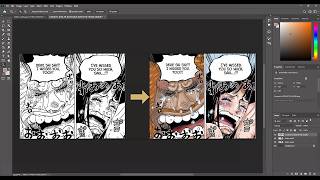
How to Color Manga Panels: Robin & Saul Reunion in Photoshop
Animadezone · 13:49
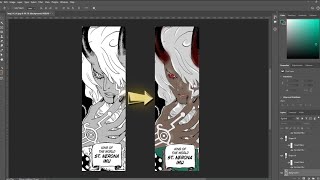
Coloring "Imu' from One Piece Manga chapter 1179 #onepiece #imu #manga
Animadezone · 2:16
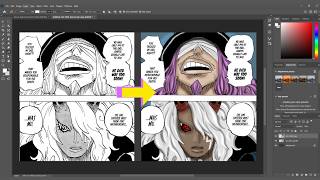
STEP BY STEP Manga Coloring Tutorial in Photoshop I Imu & Loki Panel
Animadezone · 10:46
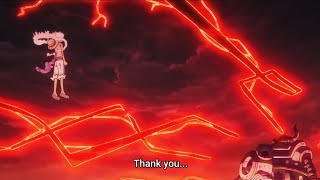
Emeth Released Joyboy’s Haki to Save Strawhats
Animadezone · 2:18
Rap de Monkey D. Luffy VS Los Cinco Ancianos (Gorosei) | One Piece
KC_No_Sekai · 6:32
How to Color Manga Panels Like a PRO! Scopper Gaban One Piece Photoshop Tutorial
Animadezone · 13:13